Unwrapping Halloween Kisses: A Designer’s Guide to This Festive SVG Font
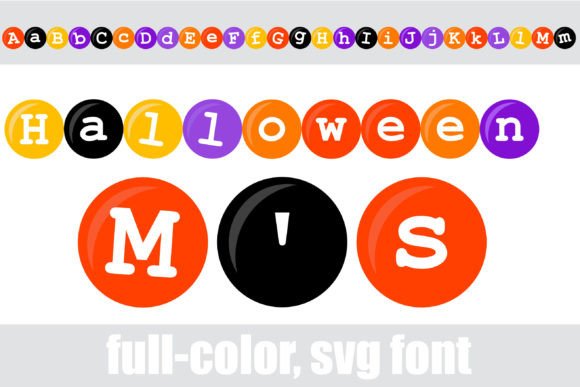
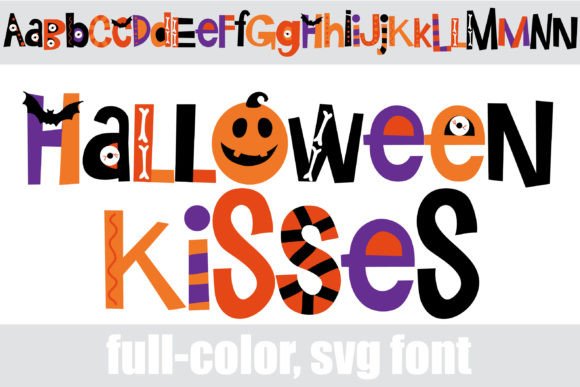
There is a specific kind of magic in typography that moves beyond simple black lines on a page. When we talk about Halloween Kisses, we are discussing a premium font that completely redefines what a display typeface can do. This is not just another spooky script or a jagged horror font; it is a full-color SVG (Scalable Vector Graphics) typeface that arrives pre-loaded with a rich Halloween color palette. Imagine letters that look like wrapped candies, textured pumpkins, or colorful monsters without you having to add a single gradient or layer style in Photoshop. That is the core appeal of Halloween Kisses.
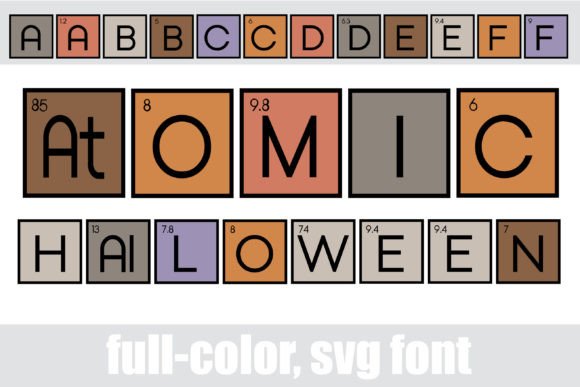
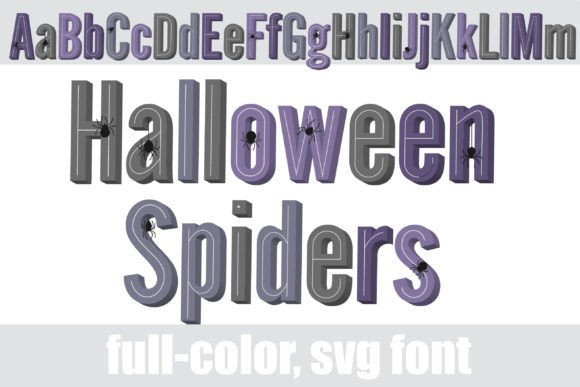
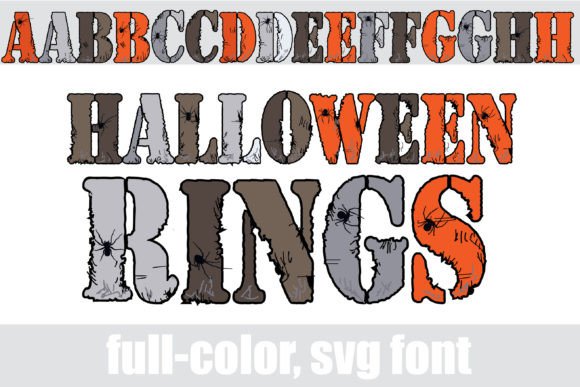
As a creative professional, you know that time is money. Usually, creating multi-colored text involves outlining the font, masking textures, and manually applying gradients. Halloween Kisses automates this entirely. The "kisses" in the name likely alludes to the candy-wrapper aesthetic or the playful, tactile nature of the design. It features an "alt case," which is a crucial feature for designers. This means you can toggle between uppercase and lowercase keys to access entirely different color variations and character designs. It keeps your layouts looking organic and hand-crafted rather than repetitive.
Technical Reality: How SVG Fonts Actually Work
Before you download, it is vital to understand the mechanics of OpenType full-color fonts. We often get questions about why a font appears black in certain menus. Here is the reality: Halloween Kisses is an SVG font. It installs like any standard .otf file. On a Mac, you drag it into FontBook; on Windows, you use the Control Panel or your preferred font manager.
However, the rendering depends entirely on your software. Because SVG fonts contain vector data with color information (rather than just single-tone outlines), they require specific engine support. You will likely see the characters appear as solid black silhouettes in your font preview window or in older software. Do not panic. Once you type the text onto a supported canvas, the colors will bloom.
For the best experience with this creative font, stick to modern software stacks. Adobe Illustrator, Photoshop, InDesign, QuarkXPress, Inkscape, and Silhouette Studio are currently the heavy hitters that support full-color SVG rendering natively. If you are using this for a Silhouette Cameo project, you can access the additional glyphs and color variations easily through the glyph map. This technical compatibility is the bridge between a standard asset and a high-impact design element.
Strategic Applications: Where Halloween Kisses Shines
Understanding where to deploy a font like this is just as important as the installation process. Because Halloween Kisses is a high-impact display font, it functions best as a headline or focal point. It is not designed for body text; the file sizes of SVG fonts are larger, and the intricate details can become muddy at small sizes. Instead, think of it as your "hero" asset.
1. Packaging and Product Design
If you are a small business owner creating seasonal goods—think candy wrappers, boutique candle labels, or bakery boxes—this font is a game-changer. The pre-colored nature of Halloween Kisses means you can maintain brand consistency without complex print setups. It instantly communicates "fun" and "festive" on packaging design, grabbing attention on crowded shelves. It pairs beautifully with a clean sans serif font for the ingredient lists, allowing the main logo to pop with its built-in textures.
2. Digital Marketing and Social Media
In the fast-scrolling world of Instagram or TikTok, you have milliseconds to capture attention. A static black title gets lost; a colorful, textured SVG title stands out. Use Halloween Kisses for your social media graphics, particularly for flash sales, event announcements, or spooky blog headers. The vector-based nature of the font ensures that even if you scale it up for a Facebook cover photo or down for a mobile story, the edges remain crisp. It adds a layer of professionalism to your digital presence that standard fonts cannot match.
3. Editorial and Publishing
For bloggers and publishers, the "alt case" feature is your best friend. When designing a magazine cover or an e-book layout, you can spell out a headline using the standard characters, then swap specific letters to their alternates. This breaks up the repetition and mimics the look of hand-lettered editorial design. It adds personality to your layout without sacrificing the structure required for a professional publication.
Design Strategy: Pairing and Hierarchy
The personality of Halloween Kisses is bold, playful, and tactile. Consequently, it demands a counterpart that knows when to step back. A common mistake is pairing a complex display font with another decorative font. This creates visual chaos. Instead, rely on the classics.
The Serif Pairing: If you want a vintage, storybook vibe, pair Halloween Kisses with a traditional serif font like Garamond or Baskerville. The high-contrast, elegant lines of the serif font will ground the playfulness of the Halloween typeface, creating a sophisticated yet festive brand identity.
The Sans Serif Pairing: For a modern, clean look—perfect for web design or app interfaces—a geometric sans serif (like Futura or Montserrat) is the ideal companion. The neutrality of the sans serif allows the colors and details of Halloween Kisses to take center stage without competition.
Final Thoughts on Usability
When evaluating this font for your projects, remember that you are buying a specialized design asset. It solves the problem of "flat" seasonal designs. It offers versatility through its alternate glyphs, allowing you to customize the look of the text to fit your specific color scheme needs. Whether you are crafting a logo for a haunted attraction or designing invitations for a costume party, Halloween Kisses provides a level of polish that usually requires hours of manual editing. It is a practical, high-value tool for any designer looking to inject immediate personality into their work.